What is a single-use card?
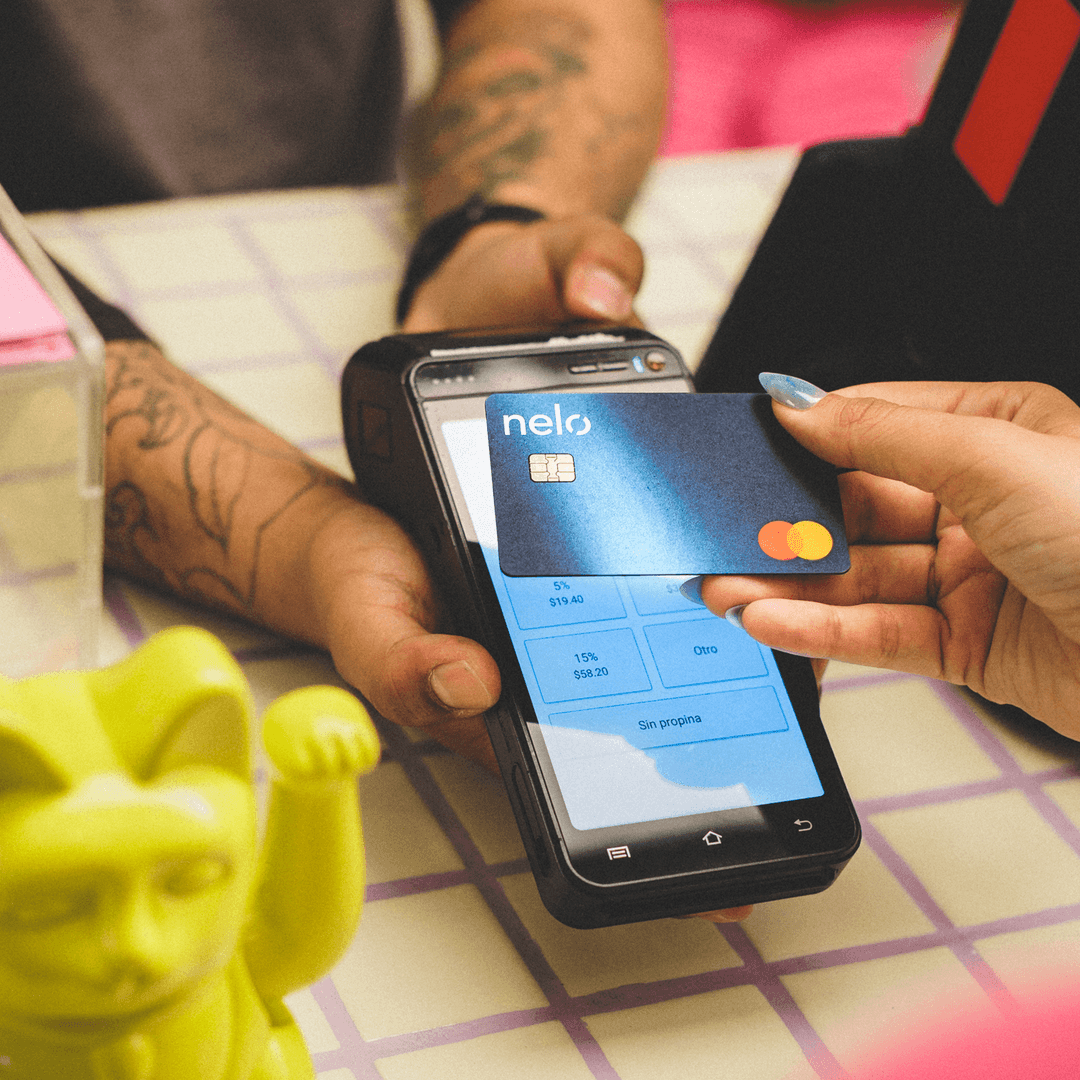
The single-use card is a digital credit card Nelo generates for one purchase at a specific merchant. It lets you shop at almost any online store and pay in installments, even if the store is not directly integrated with Nelo.
How to shop with your single-use card
- Search for the store in the app and open its site from Nelo.
- Add your products to the cart and go to checkout.
- Select "Pay with Nelo" and then "Create Nelo card".
- Enter the total (including shipping) and choose your payment plan.
- Use the card details at checkout, selecting "Credit card".
What is it for?
It lets you pay in installments at merchants not yet integrated with Nelo. Each card is exclusive to one purchase and one merchant, which makes it more secure.
Charges and holds when creating your card
When you create your single-use card, a temporary $20 hold is placed to confirm the payment method is active; that amount is returned to your account. Sometimes your first installment is also charged to authorize the purchase. When entering it at the store, always select “Credit Card” and type the details exactly as they appear on screen.